
Talent Setup for TF2
So you want to be a commentator? Let's set you up for success!
Introduction
Welcome to the wonderful world of casting TF2! Your voice is what brings to life our broadcast, giving audiences play-by-play updates and providing in-depth analysis of the plays as they come.
It's imperative that you're properly setup in order to achieve the professional quality that we strive for at Fireside Casts. To do that, we've assembled a brief list of resources and tools to help you coming into your first broadcasts. Our goal is for things to be as simple as possible for you to get up-and-running as soon as possible!

wandum's "How To Cast TF2"
In 2022, wandum, a Danish play-by-play commentator, created two videos to educate and help aspiring commentators. Throughout the videos, he covers the essentials of the art of commentary. This is a definite recommendation for new talent!
The teamfortress.tv thread is home to further discussion on the craft and input from various other members of the TF2 casting community.
CastingEssentials Next
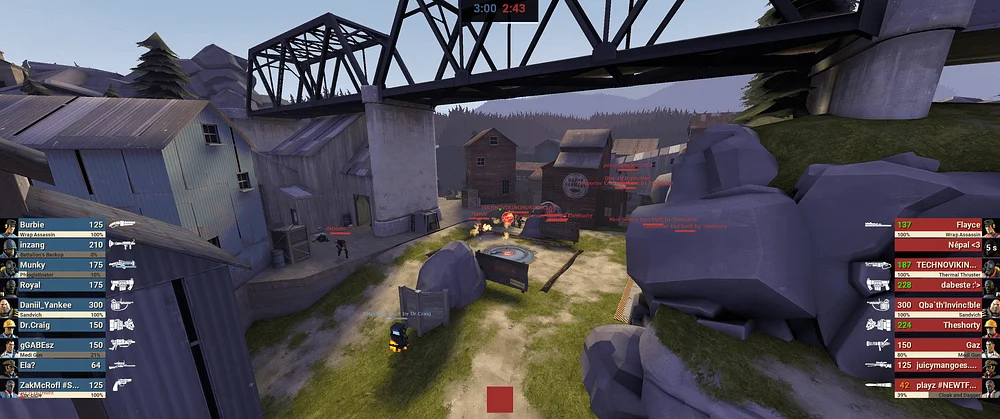
CastingEssentials Next is the #1 client plugin for spectating TF2. CE Next includes key features to make it easier for talent and production alike to bring competitive TF2 to an audience -- HUD Antifreeze, Medigun Info, Camera Tools, Player Aliases, and other modules. Conveniently, CE Next can live in your tf/custom folder without impacting your day-to-day gameplay.
What follows is a description and guide on using CE Next effectively. While one can cast or produce competitive TF2 without CE Next, Fireside mandates usage of the plugin for all commentators to maintain consistency in our content.
CE Next Downloads
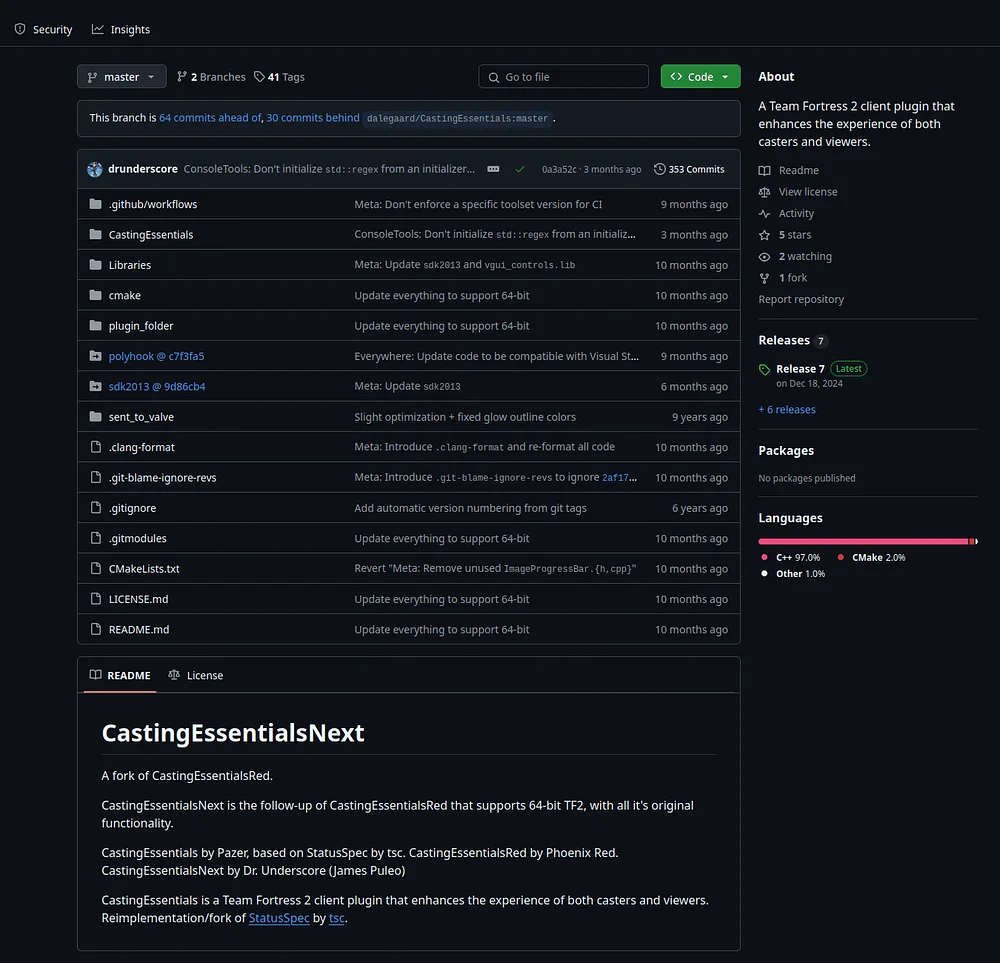
CE Next's GitHub repository can be found here! To download:
- Click on the "CastingEssentials Next Download" button.
- Click "CastingEssentialsNext.zip".
- Extract the folder into your tf/custom folder.
To launch TF2 using CE Next:
- Right-click on TF2 in your Steam Library
- Go to Properties
- Type "-insecure" in the "Launch Options" text box.
HUD and cfg
Fireside recommends the essentialsHUD for talent due to its being designed with CastingEssentials in mind. essentialsHUD features chargebars for medi guns, spy watches, soldier banners, and more.
Fireside maintains a global player alias list. This config is mandatory for every broadcast by talent and production members.

Microphones
Microphones are crucial for providing high-quality audio to the broadcast. This difference in quality is often the make-or-break for continued viewership, and as such, we desire all our talent to sound their best.
It may initially seem that there is a high-cost barrier of entry. While true, it is not the rule -- even our own recommendation is normally priced at only $69: the Shure SM48.